Many B2B teams still process documents by retyping lines, checking fields and comparing attachments side by side. Think of order information, transport documents, product specifications, delivery notes or documents from suppliers. The work is often not difficult, but it does have to be precise. One wrong field can later cause delays, rework or discussion.
AI can add a lot of value here. Not by taking over every decision for good, but by speeding up the reading and preparation. A well-designed human-in-the-loop workflow lets AI turn documents into draft data. An employee then checks the outcome, corrects it where necessary and only then passes it on for processing.
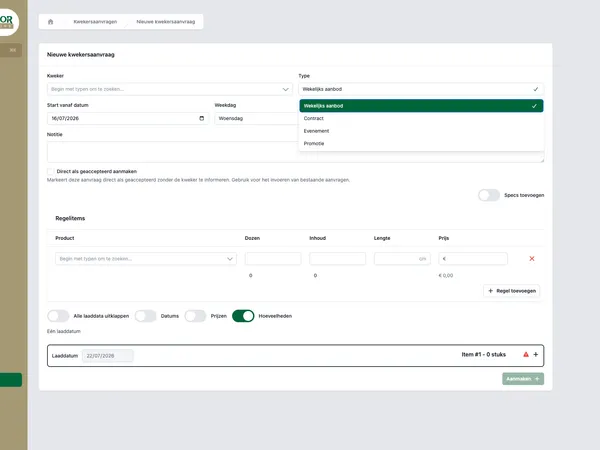
You can also see that principle in the public example of Equaflor AI Jobs. There, documents from growers are prepared as draft shipments, after which a human check remains the final step. This article zooms in on that design principle: when does it work, which choices do you have to make and when does it call for custom software?
Document processing is usually a workflow question
Anyone who looks at document processing as a purely AI problem often misses the point. The question is not only: can a model recognize text? The question is above all: how does that recognition fit safely into the existing process?
In many organizations, documents come in through email, shared folders, portals or exports from other systems. Employees open a file, look for the relevant information, compare it with existing data and then fill in a system. That process contains several kinds of work:
- Recognizing which type of document has been supplied.
- Reading out fields such as references, quantities, dates, addresses or product codes.
- Checking whether the data makes sense compared with existing records.
- Adding missing information.
- Deciding what should happen in case of deviations.
AI can help most with the first two parts, and sometimes with flagging deviations. In many B2B processes, the decision about what happens next deliberately stays with an employee. Certainly when errors have a direct effect on planning, invoicing, stock or customer agreements.
Why fully automatic is not always wise
Full automation sounds attractive. No waiting time, no manual work, no recurring tasks. Yet with document processing, it is often wiser to work with draft data first.
Documents are rarely perfectly standardized. Suppliers use different templates. A PDF sometimes contains scan noise. A field name changes. An attachment is missing a page. An order line is described slightly differently than in your own system. AI can handle that well, but not without errors.
That is why it is important to distinguish between three levels of automation:
- AI reads the document and makes a suggestion.
- AI fills in draft data and flags uncertainties.
- AI processes it definitively without a human check.
For many B2B processes, level two is the healthy intermediate step. Employees save time because most of the preparation is ready. At the same time, the organization stays in control of exceptions, borderline cases and final processing.
At Equaflor, the existing AI Jobs workflow was publicly described as taking about 15 seconds to review a prepared shipment, where this could previously take 10 to 20 minutes per shipment. More than 100 shipments have also been processed through that workflow. Results like these do not come from ignoring the check, but from positioning it better.
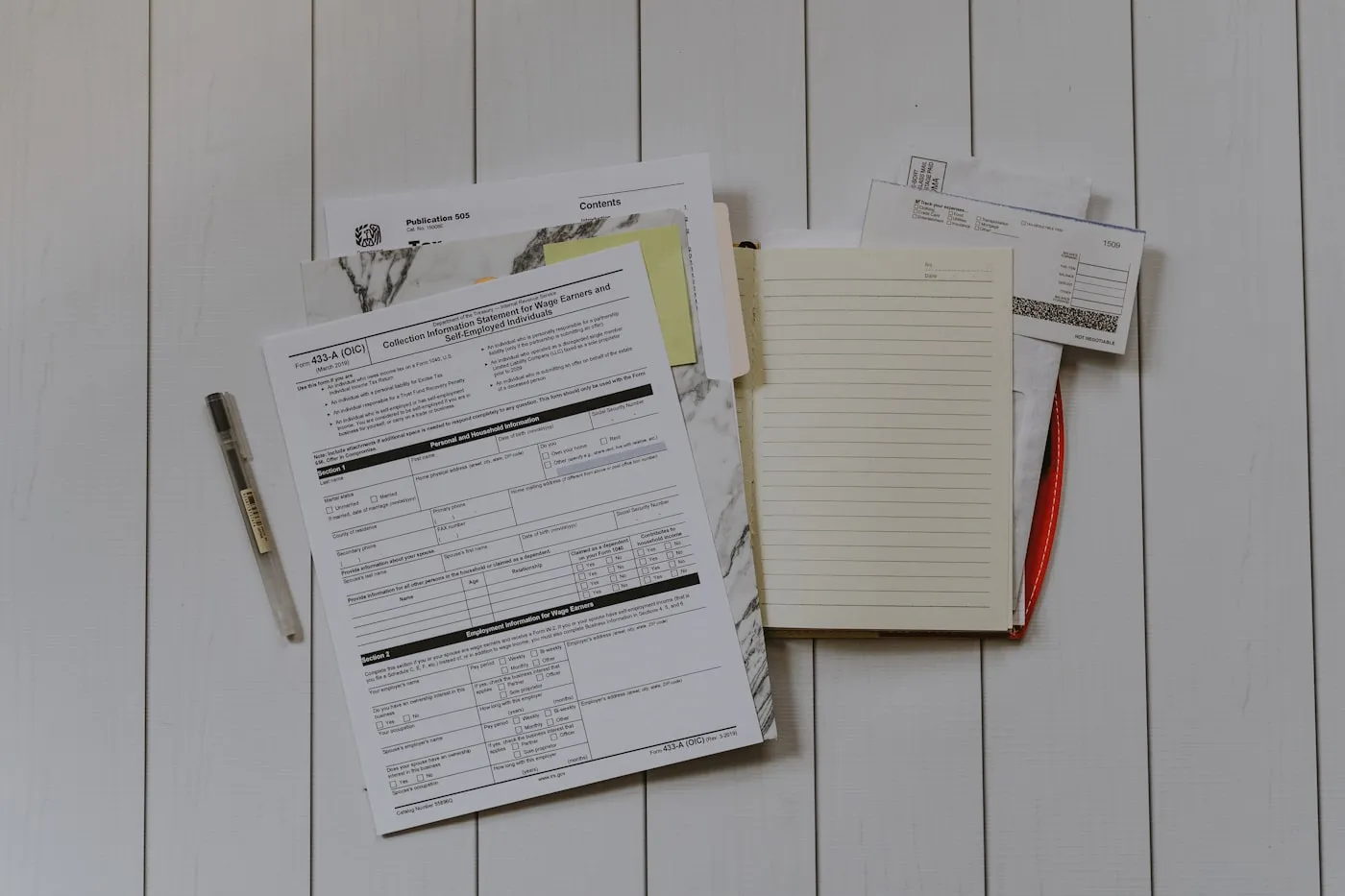
Human-in-the-loop means that AI prepares and the employee decides what becomes final.
What a human-in-the-loop workflow looks like
A good workflow is concrete. Not just an AI model that extracts text somewhere, but a chain in which every step has a clear responsibility.
A practical process in steps
- The document comes in through an agreed channel, for example an upload, email or integration.
- The system determines the document type and links it to the right processing rule.
- AI reads out the relevant fields and turns them into structured draft data.
- The system compares the outcome with existing data, such as customer, supplier, product or order.
- Uncertain fields, missing values and deviations are visibly flagged.
- An employee checks the draft data and adjusts it where necessary.
- After approval, the data is processed definitively in the right system.
- The outcome, corrections and exceptions are logged for analysis and improvement.
So the human step is not a separate checkpoint at the end. It is part of the design. The interface has to show employees quickly what looks right, where there is doubt and which action is needed.
That is often the difference between a demo and a usable business process. A demo shows that AI can recognize something. A production-ready workflow makes sure teams can rely on it, even when documents deviate.
What to record per supplier or document type
Document processing becomes stronger when you make knowledge about suppliers, document types and process rules explicit. Not every supplier uses the same terms. Not every document has the same priority. Not every deviation needs to be handled the same way.
So record for each document stream what the system needs to know:
- Which fields are required for further processing.
- Which field names or synonyms come up often.
- Which values can be matched automatically with existing data.
- Which deviations always need human attention.
- Which tolerances are acceptable, for example for quantities or dates.
- Which documents may never be approved automatically.
This does not always have to be complex. Sometimes it starts with a simple set of rules per supplier. Later you can extend that with template recognition, validations and integrations with internal systems.
What matters is that these rules stay manageable. If only a developer can change them, every small change becomes slow. If everyone can change them without any check, risk arises. The right design depends on your team, process and sensitivity to errors.
Rules per supplier or document type make AI outcomes easier to check.
Logging and error handling determine whether teams trust it
With AI in business processes, trust is not about fine promises. It is about visibility. An employee has to be able to see why something is being suggested, what is uncertain and what happens after a correction.
That is why logging and error handling are not a side issue. They belong in the design from the very first version.
What you want to record at a minimum
- Which document was processed.
- Which fields were read out.
- Which fields were changed by an employee.
- Which validations passed or failed.
- Which exceptions arose.
- Who approved the final processing.
With that information you can recognize patterns. Perhaps one supplier often supplies missing data. Perhaps a certain field is consistently misinterpreted. Perhaps a validation rule is too strict. Without logging, that remains guesswork.
Error handling also has to be practical. A document that is not read properly must not disappear into a technical error message. It has to end up in a clear place, with a status and a next step. For example: review again, forward to a specialist or ask the supplier for it again.
When does AI document processing call for custom software?
There are standard tools for document recognition and extraction. They can be valuable, especially for simple document streams. Custom software becomes interesting as soon as document processing is part of a broader business process.
Think of situations in which:
- Document data has to be linked directly to orders, shipments, stock or invoicing.
- Multiple suppliers or document formats exist side by side.
- Employees need their own review interface.
- Specific validations apply that do not fit into a standard tool.
- Exceptions have to be handled according to fixed process rules.
- Logging, permissions and auditability are important.
In those cases it is no longer just about reading out data. It is about process design, software architecture and integration. Then you want to determine which parts can be standard, which parts need custom software and how the whole stays maintainable.
House of Devs regularly works on this type of process automation, where software fits the way teams actually work. Also read how we approach automating business processes and our approach to custom software.
From experiment to reliable process
A good start is small, but not non-committal. Choose one document stream with enough volume and clear pain. Map the current process. Measure how much time it takes, where errors arise and which exceptions keep coming back.
After that you can build a first version in which AI prepares draft data and employees review that data. It is precisely in that phase that you learn a lot. Which fields are stable? Which documents cause problems? Where does the interface need to be faster? Which corrections keep coming back?
The step towards a reliable process requires iteration:
- Start with a clearly defined document stream.
- Make the check by employees quick and clear.
- Log corrections and exceptions from day one.
- Improve rules and validations based on real use.
- Only then expand to more suppliers, document types or systems.
That way you prevent AI from remaining a separate experiment. You build a workflow in which technology prepares the repetitive work and people stay in control where it is needed.
Want to explore where this can add value in your organization? Then get in touch with House of Devs. We are happy to think along about a practical first step, without glossing over the complexity of your process.