Excel is not the problem. The problem arises when a spreadsheet becomes the heart of a process that actually needs up-to-date data, clear roles and less manual work.
Many teams recognize the pattern. Orders are tracked in one file, hours in another, reports are copied at the end of the week and no one is completely sure which version is correct. As long as the volume is small, that often still works. But once you grow, Excel starts to slow down speed and reliability.
In this article, you will learn when it makes sense to replace Excel with a real-time dashboard, which data to organize first and how to make the transition without bringing your operation to a halt.

A workspace with documents, a laptop and data overviews as the basis for better process design.
When does Excel outgrow its role?
Excel is strong for analysis, quick calculations and temporary overviews. It becomes less suitable when several people depend on the same data at the same time and that data also drives the execution of work.
Signs that your spreadsheet is no longer scalable:
- There are multiple versions of the truth. Sales, operations and finance work with their own files and their own definitions.
- Data is entered manually. Information from emails, forms or systems ends up in a sheet through copy and paste.
- Errors are discovered late. An incorrect formula or missing line is only noticed during reporting, invoicing or planning.
- Reports repeatedly take a lot of time. The same manual export, check and consolidation is done every week or month.
- Decisions lag behind reality. You are looking at data from yesterday or last week, while the operation is moving today.
That does not mean you need to get rid of Excel right away. It often remains valuable for ad hoc analysis. But the core of an operational process usually does not belong in separate files.
Do not start with the dashboard, start with the source data
A dashboard is the top layer of your process. Its quality is determined by what sits underneath. If data is spread across separate files, mailboxes and systems, a dashboard mainly shows how messy reality is.
The first step is therefore to determine which data needs to be recorded centrally. Think of:
- orders, order statuses and delivery moments
- time tracking, planning and capacity
- purchase orders, inventory or material flows
- customer data, appointments and contact moments
- quality checks, exceptions and approvals
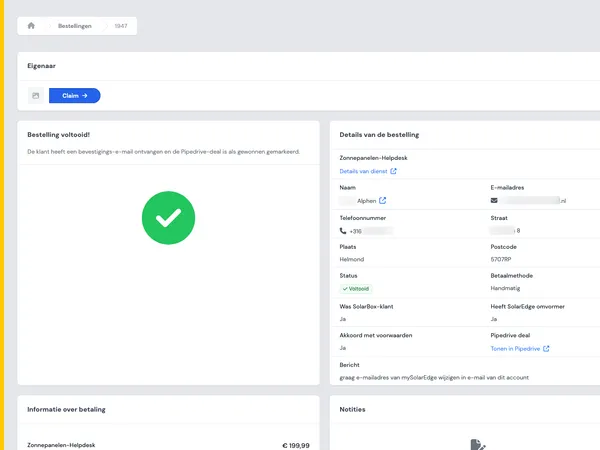
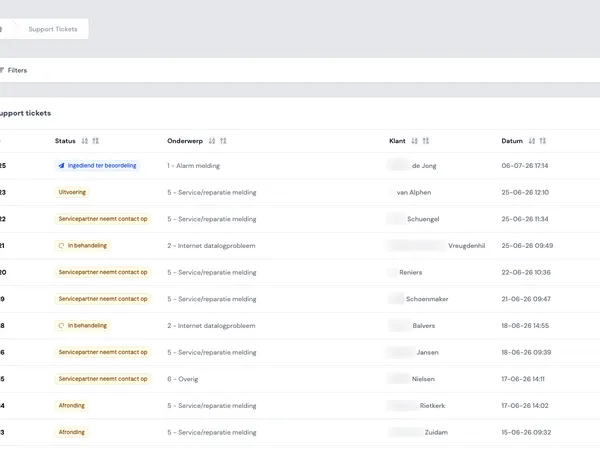
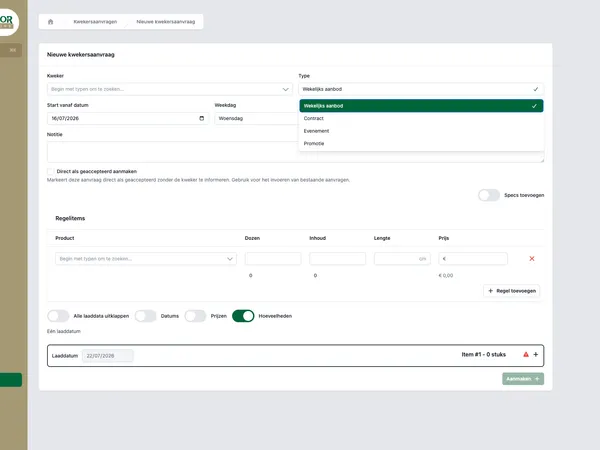
At Equaflor, the transition was from paper and Excel to a digital way of working. At XIXO, it included manual time tracking and purchase order lines. At BirdBlocker, order management, reports and exports became part of a custom back office. The similarity between these situations is clear: the dashboard only becomes valuable when input is reliable, central and reusable.
If you skip this step, you mainly build a nicer shell around the same vulnerability.

A team discusses process steps and data flows during a workshop.
Make dashboards role-focused, not all-encompassing
A common mistake is building a dashboard that contains everything. That may seem complete, but it rarely helps users work faster. A planner, manager, finance employee and operational team member all have different questions.
A good real-time dashboard answers concrete questions for each role:
- For operations: which orders need attention today?
- For planning: where is a capacity shortage emerging?
- For finance: which hours, purchase lines or order details are ready for processing?
- For management: which trends require adjustment?
That is why custom software does not start with charts, but with decisions. What action should someone be able to take after seeing a signal? When that action is clear, it also becomes clear which data is needed, which filters are important and where notifications or status updates add value.
In our work, you can see how custom solutions often revolve around exactly this point: not showing more information, but making the right information available at the right time.
Prevent duplicate entry with process automation
A dashboard does not automatically solve duplicate entry. If employees still enter the same data into three systems, the risk of errors remains. The difference lies in the design of the process.
A few principles help with this:
- Record data at the source. Let an order, time entry or status originate directly in the right system.
- Validate input immediately. Required fields, logical checks and fixed choices prevent corrective work afterwards.
- Connect systems where it makes sense. Think of accounting, planning, inventory, CRM or external portals.
- Work with permissions and roles. Not everyone needs to be able to change everything.
- Make exceptions visible. A good dashboard does not only show averages, but also what is getting stuck.
This is where custom software often becomes stronger than a spreadsheet. You do not just build an overview, but also the rules, checks and integrations that make the process more reliable.

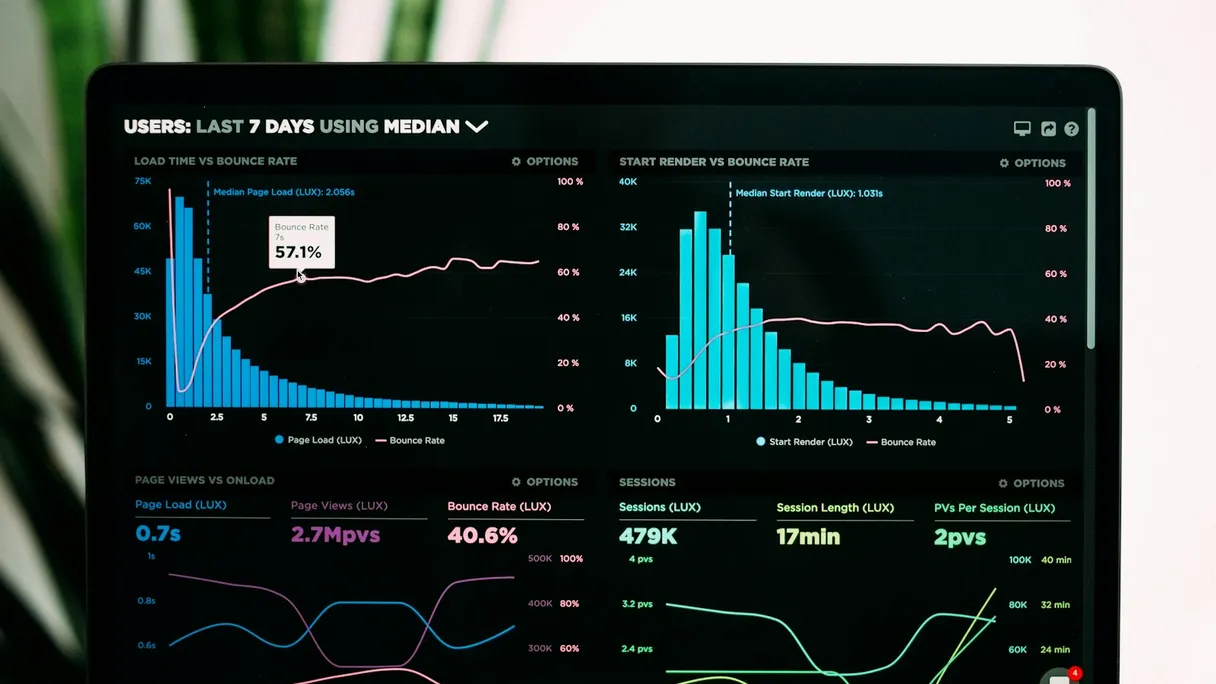
A laptop showing digital insights that help steer business processes better.
Migrate step by step without disrupting your operation
The move from Excel to a real-time dashboard does not have to be a big leap. In fact, working in phases is usually smarter. This limits risk, helps you learn from users and prevents you from changing too much at once.
A practical approach often looks like this:
- Map the current process. Which files are used, who fills them in, where do errors occur and which reports are essential?
- Choose a clearly defined starting process. Start with hours, orders, purchase lines or reports, for example.
- Define the central data fields. Agree on what each field means and who owns it.
- Build a first workable version. Not everything has to be perfect right away. The goal is a reliable foundation.
- Test with real users. Check whether the dashboard helps with daily decisions.
- Expand in a focused way. Add integrations, automations and additional roles once the foundation works.
This way of working aligns with our approach: first understand how the process really runs, then build and improve in a focused way.
Practical examples: from manual work to overview
The reason differs per organization, but the underlying need is often the same: less manual work, fewer error-prone handovers and better visibility into what is happening.
- Equaflor: the old way of working with paper and Excel showed how quickly operational information becomes fragmented. Digitalization helps make data more central and more usable. View the Equaflor case.
- XIXO: manual time tracking and purchase order processing are typical processes where duplicate entry and checking work take a lot of time. View the XIXO case.
- BirdBlocker: order management, reports and exports came together in a custom back office. That makes steering and processing easier than working with separate files. View the BirdBlocker case.
These are not examples where Excel was simply replaced by a nicer screen. The gain lies in redesigning information, responsibilities and recurring actions.
When is custom software the right next step?
A standard dashboard tool can work well when your data is already neatly available and you mainly want to visualize it. Custom software becomes more interesting when the dashboard becomes part of the process itself.
That is often the case when:
- you want to combine input, checks and reports
- multiple roles work with different permissions
- you need integrations with existing systems
- you want to automate exceptions and workflow steps
- your process is distinctive for your organization
So the right question is not: can we replace Excel? The better question is: which manual work, risk of errors and delays do we want to remove from our process?
Do you want to explore whether a real-time dashboard or custom back office fits your team? Then contact us. We would be happy to think along about a first feasible step.